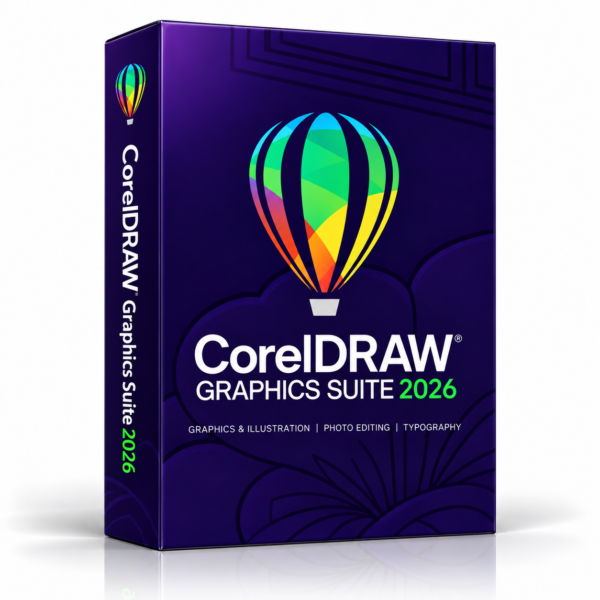
CorelDRAW Graphics Suite 2026 — licence key
CorelDRAW Graphics Suite 2026 combines vector illustration, page layout and photo editing for Windows. The 2026 release adds AI-assisted creative tools and workflow improvements. Digital delivery includes installation and activation guidance.
What CorelDRAW Graphics Suite 2026 does
Discover the new tools and improvements in the 2026 release. Generative AI requires credits; availability depends on your licence and account.
AI Generate
Create images from text prompts or remix existing artwork in CorelDRAW and Corel PHOTO-PAINT. Generative operations consume AI credits.
AI background removal
Isolate foreground subjects and remove image backgrounds with a single click, including intricate edges.
Subject masking
Use Mask from Subject in Corel PHOTO-PAINT to select a subject automatically, then refine the mask for detailed edits.
Refreshed interface
Updated icons, controls and navigation improve clarity while retaining familiar design workflows.
Performance improvements
Benefit from quicker startup, improved font handling, refined export settings and greater stability.
Subscriber extras
Corel advertises 200+ additional templates, 50 brushes and CorelDRAW Web enhancements for eligible subscribers and maintenance customers. These extras are not automatically included with every licence.
What's included
Digital licence
The exact licence duration and activation entitlement depend on the supplied Corel edition. Confirm the licence terms before ordering.
Official download link
Instructions for downloading the installer from Corel's own website. We never host, repack or modify software.
Written setup guide
Step-by-step install and activation instructions in the same email as your key — written for non-technical users.
Windows compatibility
For a compatible Windows PC. Confirm operating-system and graphics requirements for the supplied edition before ordering.
Why customers trust Plomet
How the order is handled from payment through to activation.
Secure checkout
Payments are processed over encrypted, PCI-compliant providers. We never see or store your card details.
Fast digital delivery
Your key and download instructions are emailed once payment clears — usually within minutes, never longer than a few hours.
Email customer support
Real help with installing and activating. Reply to your order email and a person answers.
Refund policy available
Every order is covered by our published refund policy — read it before you buy, not after.
Privacy protected
We collect only what is needed to fulfil your order. We never ask for remote access to your PC or your account passwords.
Keys checked before sending
Each licence is verified as unused before it reaches you, and you receive a prompt order confirmation with your reference.
Questions about this product
Straight answers, including the ones that might talk you out of buying. If something here is unclear, email us before you order.
How will I receive my order?
By email, to the address used at checkout. You receive the licence key, the download instructions and a step-by-step activation guide. Nothing ships physically. If the email has not arrived within a few hours, check your spam folder and then contact us.
Is this a subscription?
The exact licence duration and activation entitlement depend on the supplied Corel edition. Confirm the licence terms before ordering.
How many PCs can I install it on?
This listing is a single-user licence for one Windows PC. If you need to move it to a replacement machine later, contact us and we will talk you through deactivating the old install first.
Where does the software come from?
You download the installer from Corel's own website using the instructions we send. We do not host, repack or modify the software — we supply the licence key and the guidance for activating it.
Does it work on Mac?
No. This is a Windows licence and will not activate the Mac edition. If you are on macOS, do not order this listing — email us first and we will tell you honestly whether we have anything suitable.
What are the system requirements?
Check Corel's requirements for the supplied CorelDRAW Graphics Suite version before ordering. Requirements vary by version, graphics hardware and workload. Internet access is needed for download and activation.
What updates and support are included?
Updates and support depend on the exact Corel edition and licence entitlement. Check the applicable Corel product lifecycle and licence terms.
What if the key does not activate?
Contact us and we will walk you through it or replace the key at no cost. If neither is possible, you get a refund under our published refund policy. Because this is a digital product, refund eligibility depends on the circumstances set out in that policy — read it before ordering so there are no surprises.
Do you help if I get stuck?
Yes — reply to your order email and we will help with downloading, installing and activating. To be clear about scope: we are not Corel, so in-app bugs, feature requests and faults inside the software itself go to Corel's own support.
Why is this cheaper than buying direct?
Plomet is an independent digital retailer and is not affiliated with or endorsed by Corel. Contact us for details of the supplied edition and licence terms.
Disclaimer: Plomet.com is an independent digital retailer and is not affiliated with, authorised by or endorsed by Corel. CorelDRAW, Corel PHOTO-PAINT and related names and logos are trademarks of their respective owners and remain the property of their respective owners.


Reviews
There are no reviews yet.